How it works

Set up your event, invite guests and relive every moment.

This guide walks organisers through the full Fête flow, from checkout and app download to event settings, live wall controls and the final gallery release.

Step 01

Download the organiser app

After checkout, download the Fête app from the App Store and sign in with the same email address. Your paid event will be ready to edit and prepare before guests arrive.

Available now on iPhone. Android coming soon.
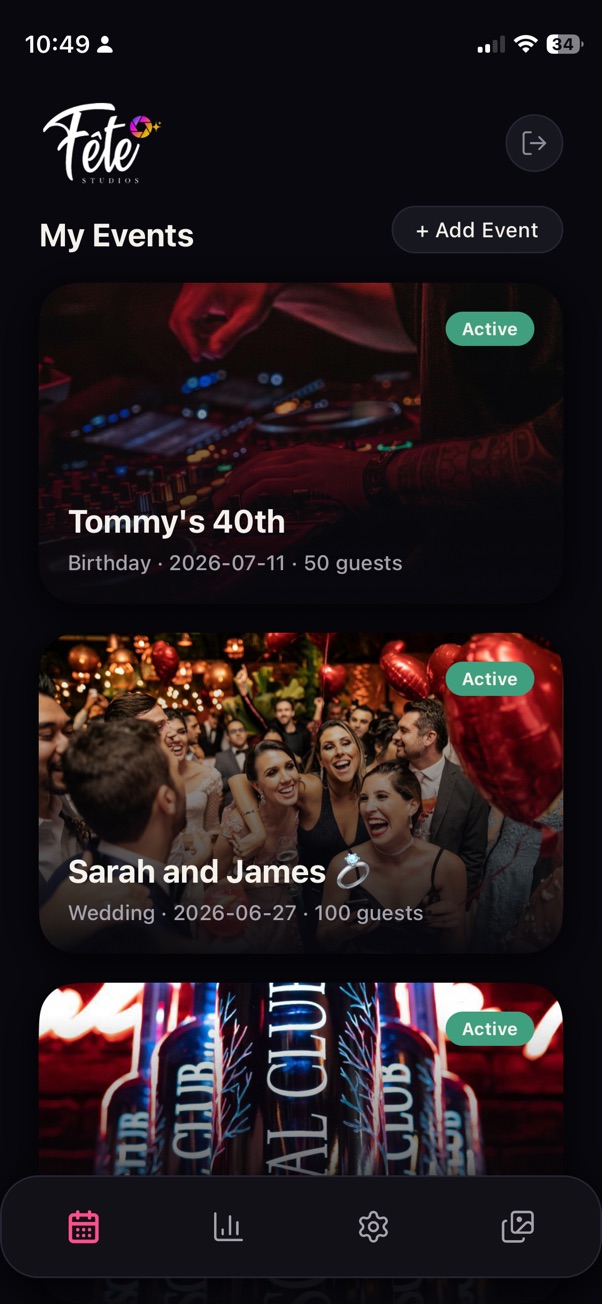
Fête organiser app showing My Events screen with active events

Step 02

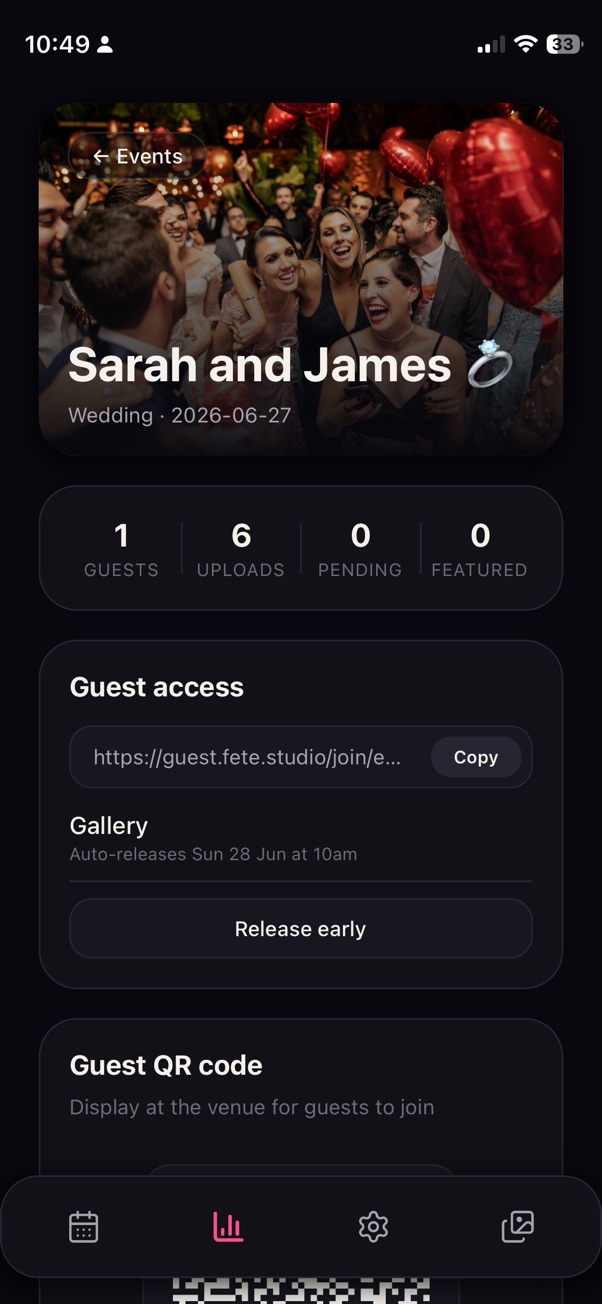
Confirm your event details

Add the event name, date and cover image. These details help guests recognise the event when they scan the QR code or open the gallery.

You can keep the setup simple for a private party, or make it feel more branded for a venue night, launch or large celebration.

Event overview showing event name, guest count, upload stats and guest access link

Step 03

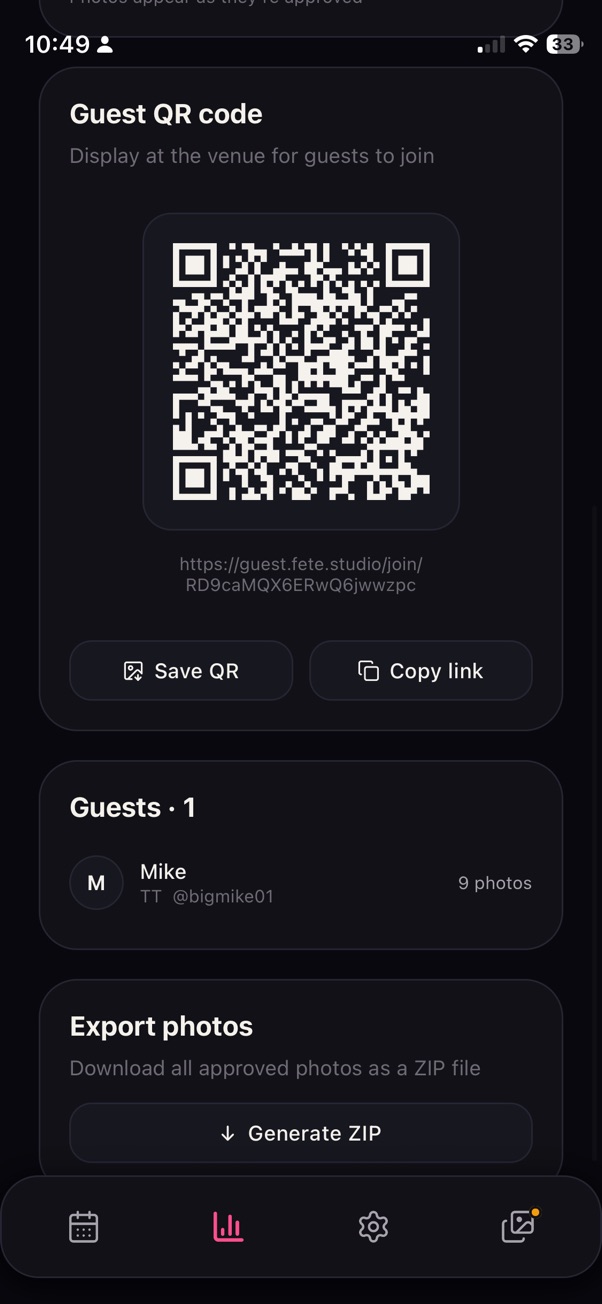
Share the guest QR code

Guests join by scanning your QR code. They can add their name, optionally add a social handle, then start uploading photos and videos from their phone browser.

Use the QR code on tables, signage, screens, menus, invitations or anywhere guests naturally look during the event.

Guest QR code screen with scannable code, guest list and export options

Step 05

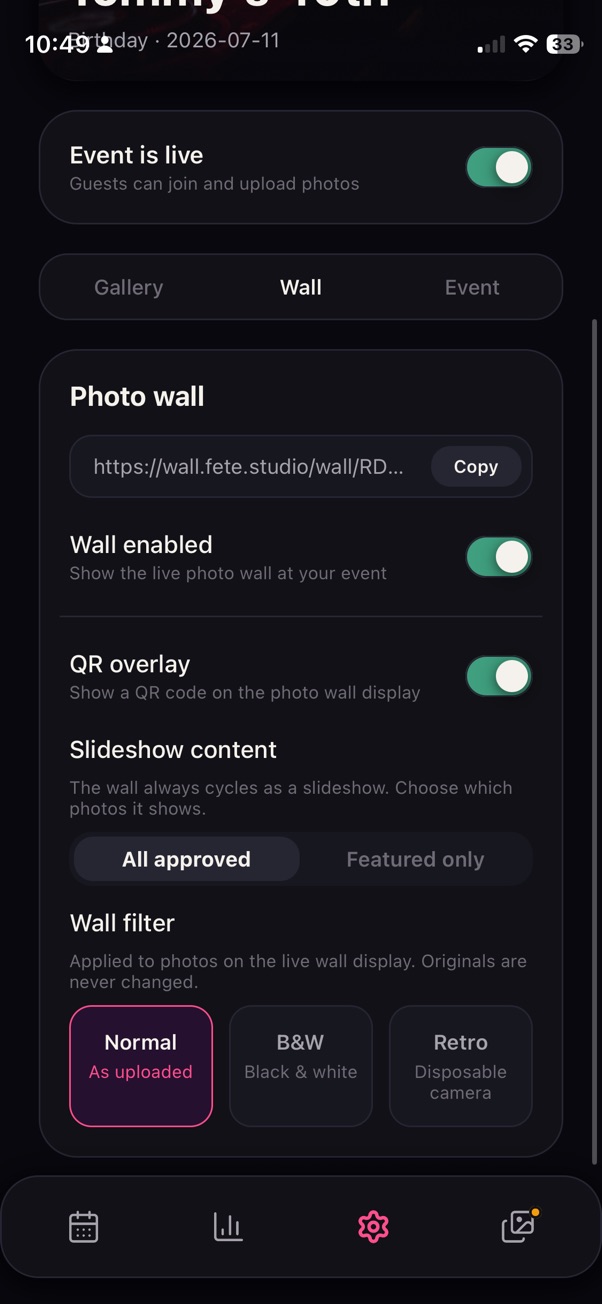
Run the live photo wall

Connect the live wall to a Smart TV, projector or venue screen. Approved uploads can appear during the event, turning guest photos into part of the atmosphere.

You stay in control of what appears live, so the screen feels fun without giving up moderation.

Wall settings showing photo wall URL, wall enabled toggle, QR overlay and slideshow controls

Step 06

Release and download the memories

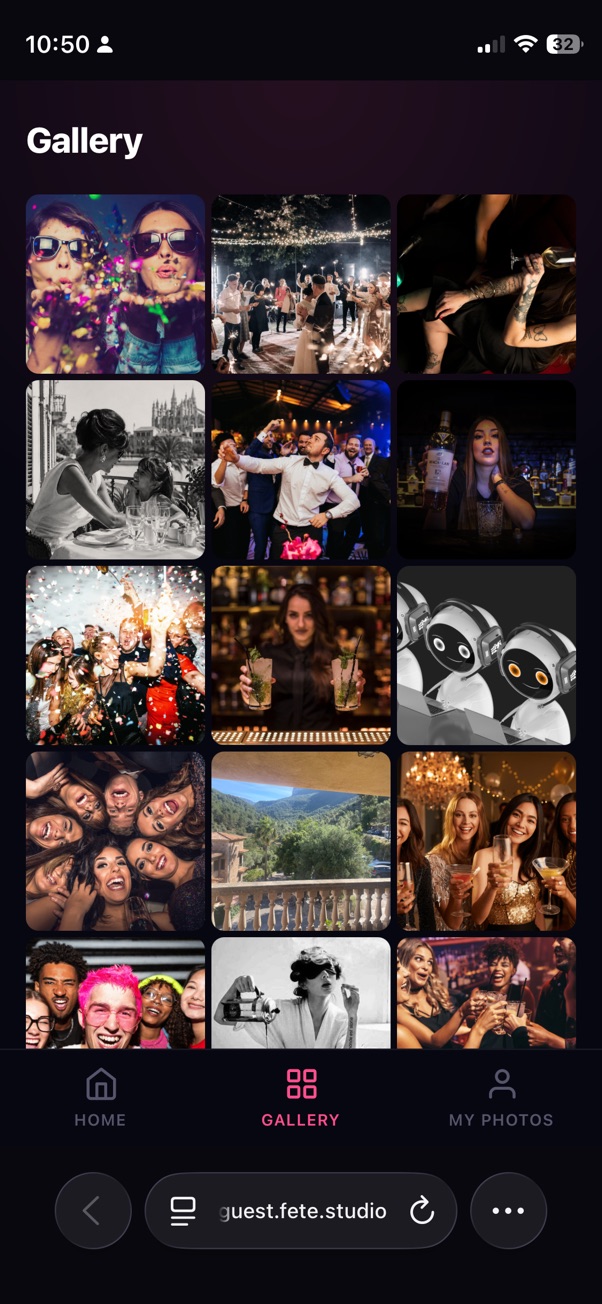
When the event is over, release the gallery for guests to explore. Everyone can discover the angles they missed, and organisers can download the archive.

This is where the disposable camera feeling lands, only cleaner, easier and ready for modern events.

Guest gallery view showing a full grid of approved event photos