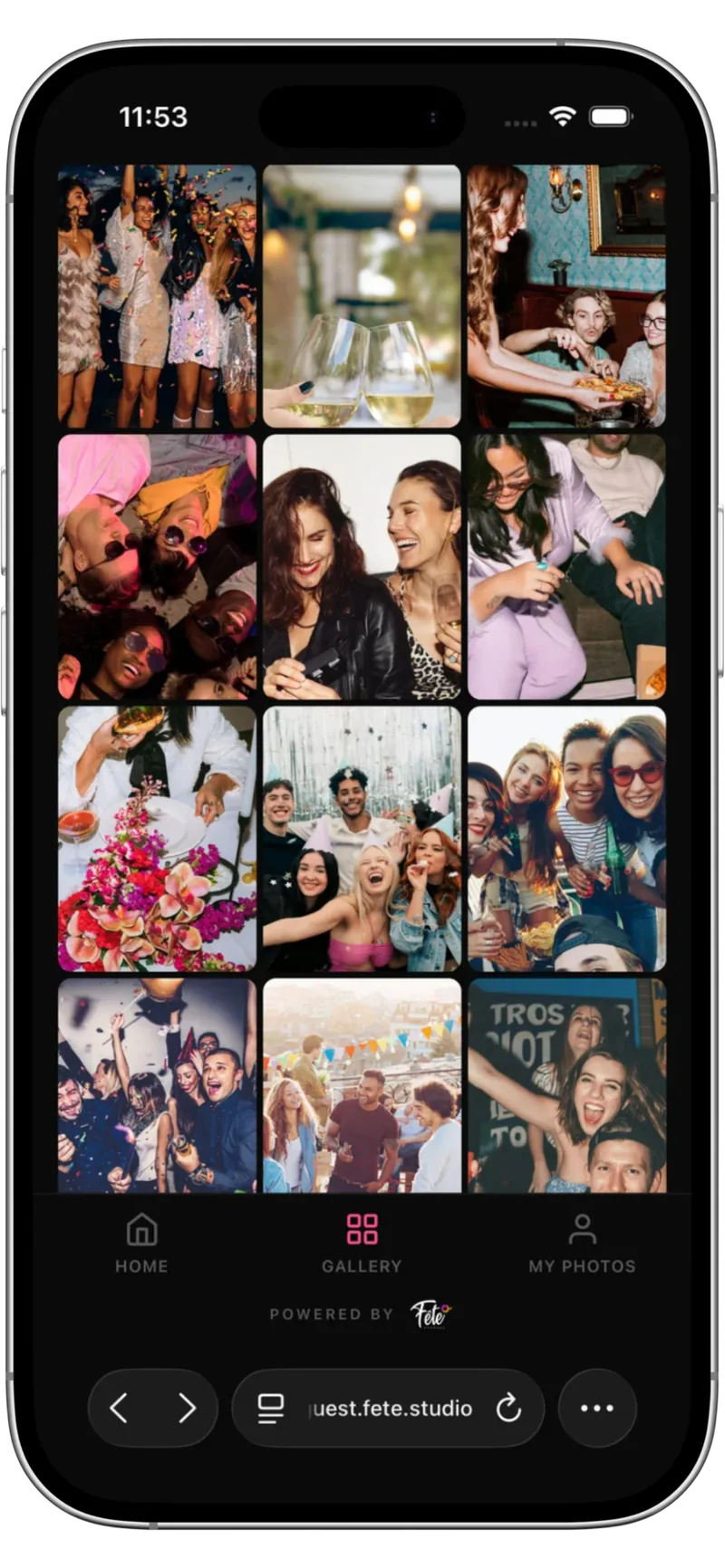
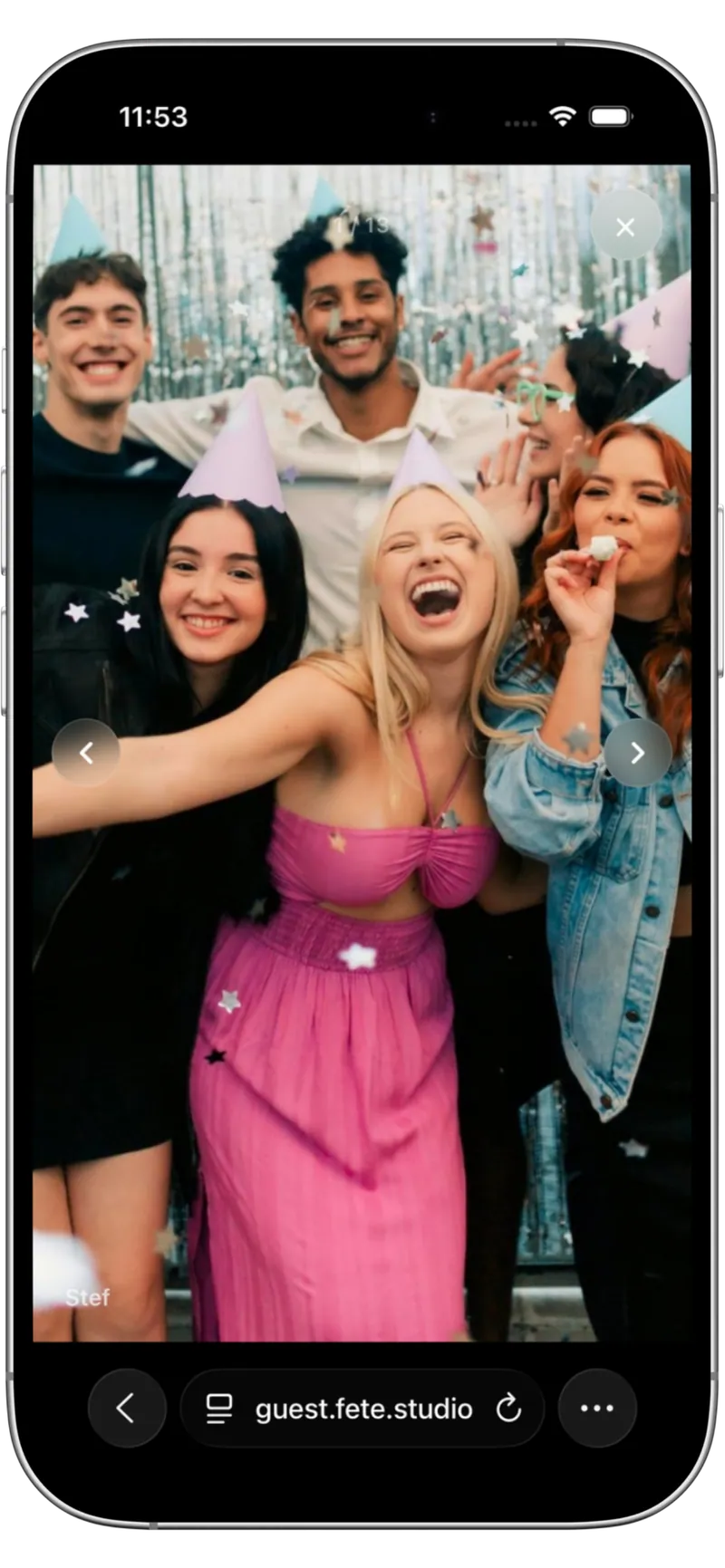
Morning prep
Nerves, the bridal party, suits hanging in the window.

For weddings · Photos · Video guestbook · Live wall
Give wedding guests a simple QR code to capture photos and short video clips from their phones. No app, no account, no group chat chaos. You get one private wedding gallery, optional moderation, public or private video messages, and a full download after the day.


The whole wedding day
Your photographer is in one place at a time. Fête captures everything else, from every guest who has a phone.
Nerves, the bridal party, suits hanging in the window.
The look on faces walking in, the hugs in the aisle.
Drinks, candids, the family photos you never set up.
The reactions, the toasts, the laugh that hit the back of the room.
First dance, late dances, the moment Uncle Steve broke it down.
Sparklers, get-aways, the quiet conversations at 2am.
Guests scan, capture, done
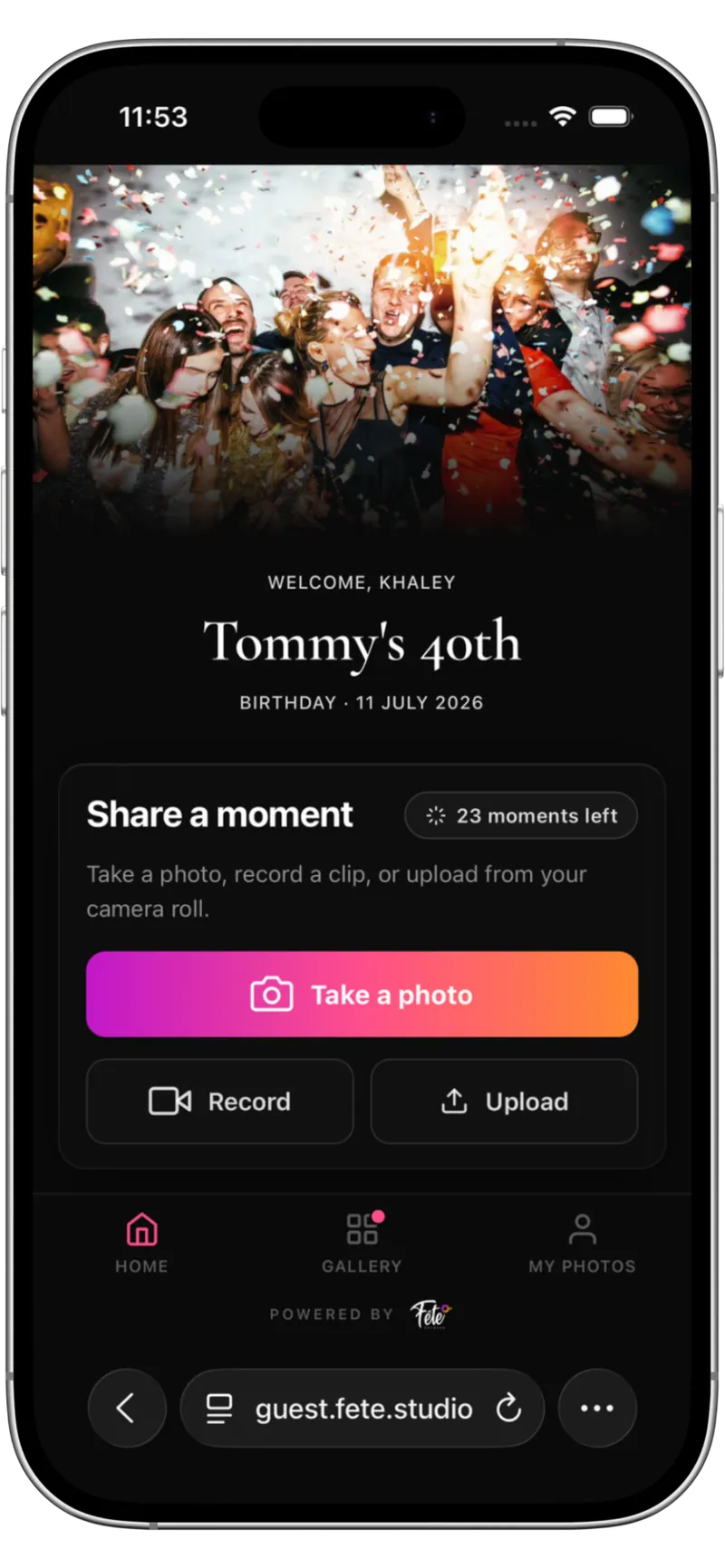
No app to download. No account to create. No password to remember. Guests open their camera, scan a QR code and start uploading.
Print your wedding's unique QR on table cards, signage, the order of service or the welcome board.
The Fête page opens straight in the phone browser. No download. Works on iPhone and Android.
Guests can take a photo, record a short video clip or leave a private video message for the couple.
Uploads land in your private wedding gallery, ready for you to approve, feature or hold back.
More than a wedding photo app
Most wedding photo apps stop at photos. Fête also lets guests leave short video clips: public moments for the gallery, or private video messages just for the couple.
It's the part of the day most apps miss: the voice, the toast, the "I can't believe you did it" delivered with sound and movement.
Keep control of what appears
A better way than WhatsApp, Drive and Instagram hashtags
Most couples don't search "wedding photo sharing app." They search "how do we collect guest wedding photos." Here's what they usually try, and where it falls down.
The problem: Photos get compressed, scattered across hundreds of messages, lost in the scroll. No moderation. No clean way to download everything in one go. The group keeps pinging weeks later.
The problem: Half your guests don't have the right Google or Apple account. Permissions are a mess. Anyone can delete a photo. No live wall, no video guestbook, no moderation.
The problem: Only your Instagram-using friends contribute. Half post to stories that vanish in 24 hours. Nothing is private; your wedding photos sit on a public hashtag forever.
The fix: One private gallery. Every guest, every angle. Photos and video clips. Optional moderation. Live wall if you want it. Full original-quality download after the day. No app for guests, no accounts, no clutter.
Wedding photo sharing FAQ
No. Guests scan a QR code and upload from their phone browser. No app, no account, no password. Only the couple or organiser uses the Fête app to manage the wedding.
Yes. Every wedding gets a unique QR you can print on table cards, signage, the order of service or the invites. Scan, capture, upload, straight into your private wedding gallery.
Yes. Alongside photos, guests can record short video clips and send private video messages. Public clips go into the wedding gallery; private messages stay visible only to you.
Yes. You decide whether uploads appear instantly, after approval, or only when you release the full gallery the next day. Anything you reject stays out of the public gallery.
Yes. Guests can mark a video message as private and it'll only ever be visible to you, never on the public gallery or live wall.
Yes. Download the full set of photos and video clips in original quality. Your gallery stays available for 12 months from the wedding date.
Yes, and many couples use it for exactly that reason. See how Fête compares to disposable wedding cameras.
Create your wedding in minutes. Pick a guest tier. Share the QR on the day.